


How to Download Software and Games on Yasir252 (Guide)
Hey everyone! 😄 So, you are looking to grab the latest software or games, but got stuck on how to actually download from the Yasir252 website? No worries at all.
Honestly, it can be a bit confusing at first if you are not used to it.
I will show you the exact steps to get your files quickly while dodging those pesky ads like a pro.
Keeping a website like this online and up to date with the latest cracks and full versions requires a lot of resources. Because of that, the admin has to run a few layers of ads to cover server costs. I know, ads can be a total pain sometimes. But look, I have been downloading stuff here for years, and once you know the pattern, it is a breeze. I will explain how to bypass everything so you can start your download without any headache.
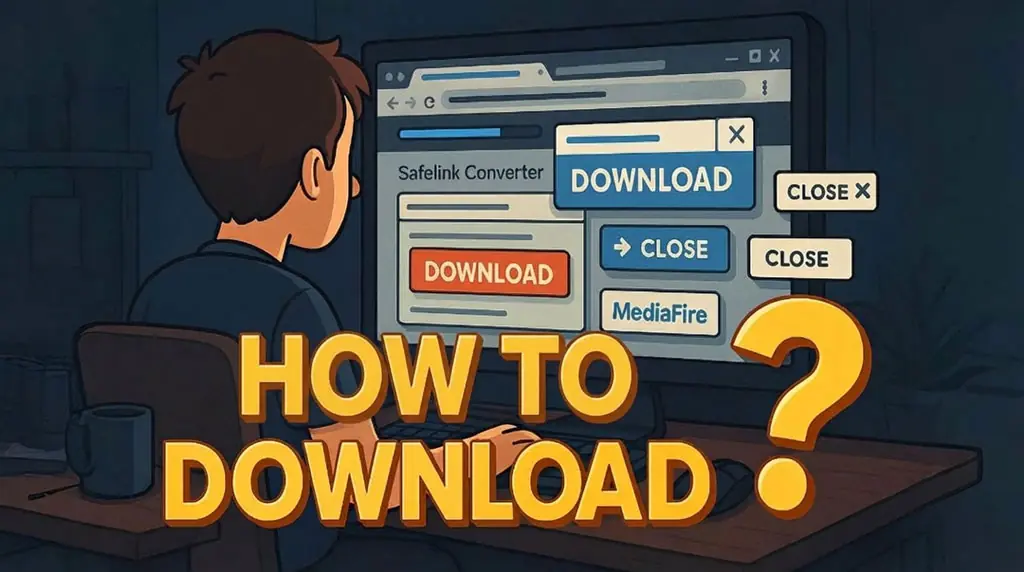
Link Converters: Think of these as a redirection tool that every blogger uses to “tuck away” links before they reach the final destination. It helps hide the main domain, serves some ads, and keeps things safe from copy-paste crawlers. Basically, it is the secret sauce that keeps this site running 24/7.
Pop-Up Ads (On-Click Ads): You have probably seen these. You click a button, and boom, a new tab opens with some random ad. It is annoying, I know. I have been there too. But if you follow this guide closely, you won’t get trapped in an endless loop of ads. It is all about timing and knowing the extra windows!
Simple Way to Skip Pop-Up Ads and Redirects

If you are browsing a page and a random click triggers a new tab, that is just an On-click ad.
The trick is super simple. Just close that ad tab immediately and go back to the main page you were on.
Do not get distracted by whatever they are trying to show you. Ugh, it is a bit of a hassle at first, but you will get the hang of it. Just remember, every time a download link opens a new tab that looks like an ad, shut it down. Stick to the original tab to finish the process.
Finding the Download Link: Tutorial for Apps and Games
- First, go to the article you want and scroll all the way to the bottom.
- Before you hit anything, check the File Name and File Size. Seriously, do this.
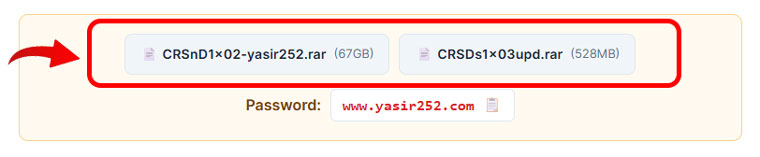
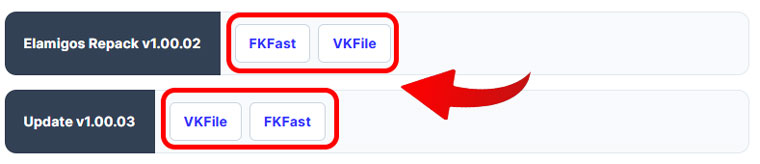
- You might also see options such as Installer, Materials Pack, or Crack Only. Even Mac versions sometimes. Pick the one that actually fits your needs.
- Now, on the first download page, fill out the captcha and click the blue “Download” button.
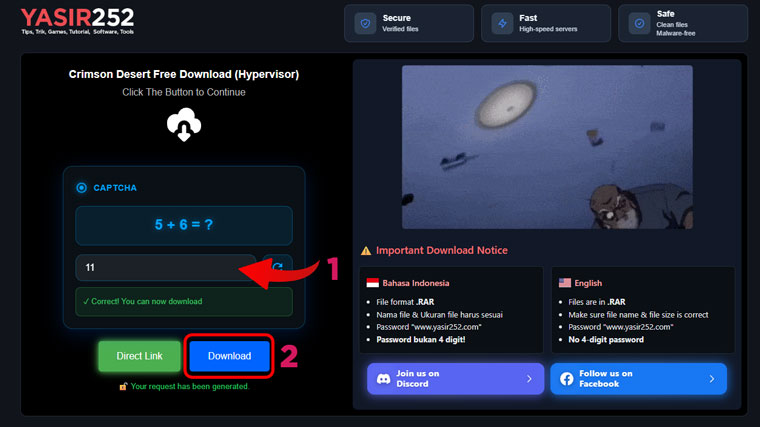
- On the second page, just wait about a few seconds. Then, the blue “Download” button will appear.
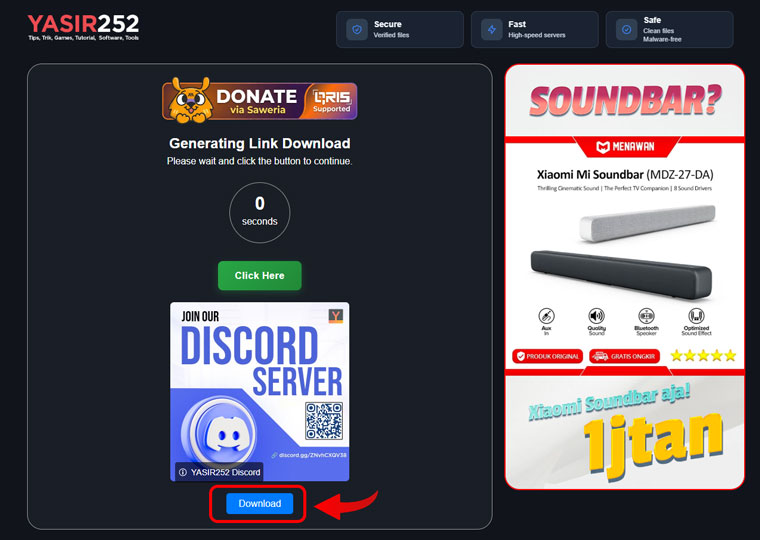
- That is it! The link for your chosen file host is now ready for you to use.


Wrap Up and Happy Downloading!
If you still have specific questions about how to get your files, just drop a comment on the software or game post you are trying to grab. It might feel like a lot of steps at first, but after a couple of times, you will do it in seconds. This is the best way to get verified links. Thanks for stopping by, and enjoy your new apps!
