


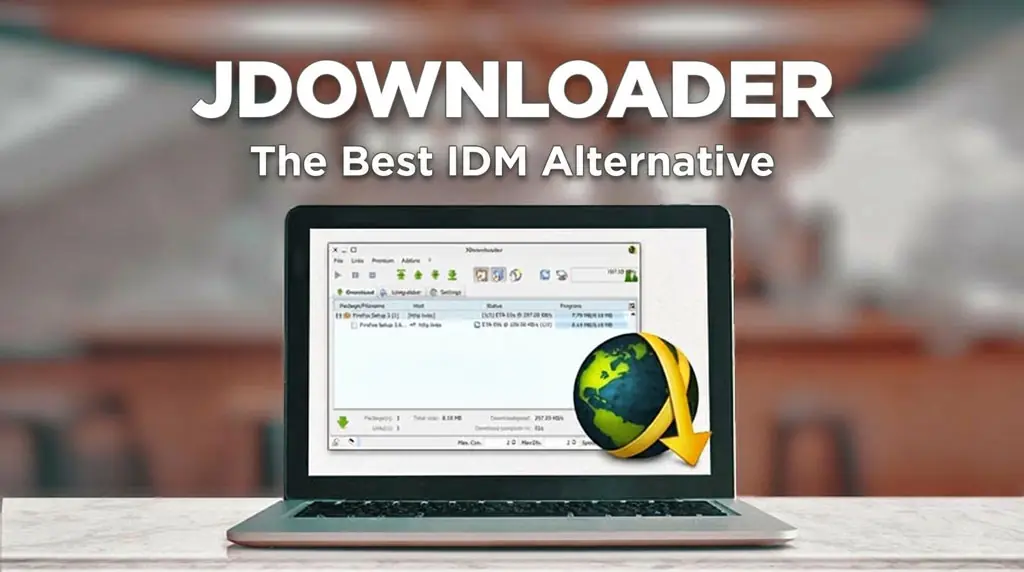
JDownloader 2: The Best IDM Alternative to Use in 2026
Looking for a solid IDM alternative? Honestly, everyone knows Internet Download Manager is the GOAT for speed, but that license fee? Ouch. It is definitely the favorite tool for most people to grab files. Besides boosting download speeds, it makes organizing your finished files super easy. But as you probably know, IDM is paid software and getting a legit license for free just isn’t a thing.
So, if you need a reliable downloader for Windows that won’t cost a dime, I have two top-tier recommendations: Free Download Manager and JDownloader 2. Both apps come packed with advanced features, but I personally lean towards JDownloader for those massive downloads.
Think 100GB+ games, 4K movies, or grabbing entire YouTube playlists.
FDM is great if you need a built-in torrent client, but for raw file management, JDownloader wins. Why do I pick this one over the rest? Let me explain.
Why JDownloader 2 is My Go-To Download Manager 🔥
As a proper IDM alternative, JDownloader 2 looks a bit different from your standard downloader. It is completely free and open source. This means the community is always adding new tools and fixing bugs. It doesn’t feel like some corporate bloated software, which is a huge plus in my book.
I’ve been using it for years, and these are the features that actually matter:
- Easily manage your huge Download List
- Auto Link Grabber is spooky good
- Settings for total control
- Add your Premium Account credentials
1. Managing the Download List in JDownloader

Dealing with multi-part files is a breeze here. Just click the “add new links” button and paste a whole bunch of URLs in one go. It even supports Copy-pasting from Pastebin, FileCrypt, Tinypaste, or Keeplinks. Gosh, I remember downloading a 60-part RAR archive once and this app handled it without breaking a sweat. Once the links pop up, just right-click and hit start. It is literally that simple, folks.
2. The Magic of Auto Link Grabber

This part is honestly the secret sauce. Most downloaders are pretty “dumb,” but this one watches your clipboard like a hawk. If you copy a URL or even just watch a YouTube video, the links show up here automatically. Even better, it lists every available quality and format for those videos.
Look at the screenshot above to see what I mean. I use this every day to grab 4K clips for my video projects. It saves so much time, seriously.
3. Deep Settings and MyJDownloader

The settings menu might look a bit intimidating at first because there are so many options. One of the best ones is the Auto Extractor. If you download a lot of ZIP or RAR files, JDownloader can automatically unzip them once they finish. Who has time to do that manually anyway?
Then there is MyJDownloader. It is like a remote control for your downloads. You can manage PC’s download queue from your iPhone while you are out getting coffee. Just try it out for yourself, you’ll love it.
4. Premium Account Integration

This is probably the feature I use the most. You can add your login info for premium file hosters like MegaNZ, UptoBox, or Rapidgator. Once you add your username and password, JDownloader handles the authentication automatically. You won’t have to deal with those slow “free user” speeds anymore.
Don’t worry about security, since everything stays on your computer and isn’t sent to their servers. If you have a premium account, this is a must-have tool.
Download JDownloader 2 for Free
DownloadEN JDownloader 2 | Official Download Link
